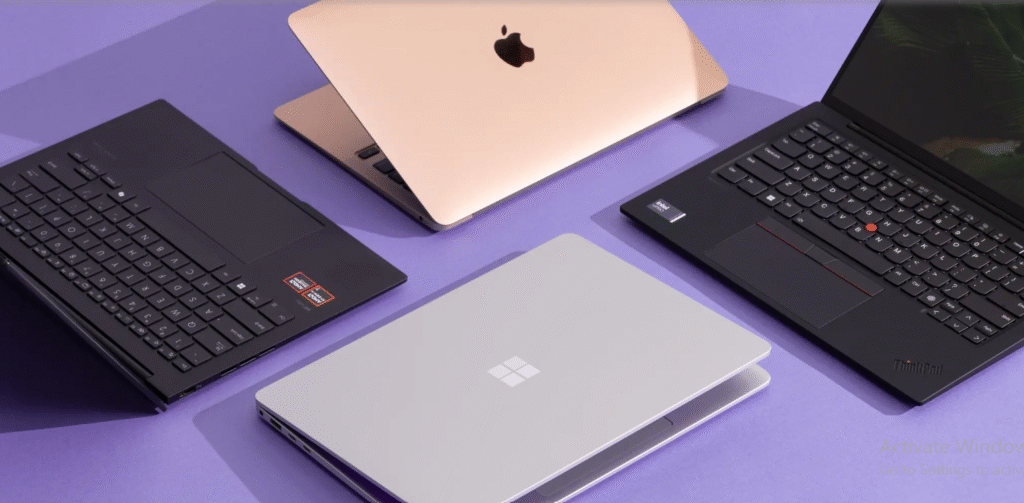

In today’s connected world, many professionals juggle work tasks, meetings, and personal activities on a single device. When you search for the best laptop for business and personal use, you’re looking for a machine that can handle productivity software, reliable security, and everyday multimedia without breaking the bank. The ideal laptop in this category blends performance with portability, so you can stay productive at the office, on the road, or at home.
Start with core specs that truly matter for daily tasks. A capable processor (Intel Core i5/i7 or AMD Ryzen 5/7) paired with at least 8–16 GB of RAM ensures smooth multitasking, whether you’re running spreadsheets, video calls, or a handful of browser tabs. An SSD (256 GB or larger) speeds up boot times and file access, while a comfortable keyboard and responsive touchpad improve long work sessions. Battery life should be a priority, ideally 8–12 hours under mixed usage, so you can work through flights or long meetings without hunting for a charger.
Display quality and typing comfort are not optional extras—they directly impact productivity and focus. Look for a bright, high-contrast display with accurate color reproduction and wide viewing angles. A 14‑ to 15‑inch panel frequently offers a sturdy balance between legibility and portability. A keyboard with well‑spaced keys, adequate travel, and a quiet, stable feel reduces fatigue after hours of document editing or email correspondence. If you frequently present, a screen with good brightness and anti-glare protection helps ensure visibility in conference rooms with fluorescent lighting.
Security and durability should be baked into your decision. Modern business laptops often include fingerprint sensors, facial recognition, TPM hardware encryption, and robust wake/lock behavior to protect sensitive data. A sturdy chassis, reliable hinges, and a professional finish contribute to longevity in a busy travel schedule. Consider also features like a webcam privacy shutter, hardware‑based drive encryption, and BIOS/OS update controls that keep your device safer against evolving threats.
Connectivity and portability go hand in hand. A balanced laptop should offer USB‑C with power delivery, USB‑A ports for legacy peripherals, an HDMI or DisplayPort output, and reliable Wi‑Fi 6/6E plus Bluetooth for wireless peripherals. If you’re often in coffee shops or airports, a compact charger and a lightweight design matter as much as a long‑lasting battery. Some models also include Ethernet adapters or SIM card slots for secure, on‑the‑go connections in places with weak wireless signals.
Choosing the right operating system is about ecosystem and workflow. Windows remains the most versatile choice for business software and diverse compatibility, while macOS delivers strong integration with other Apple devices and a polished user experience. Chrome OS offers a lightweight, cloud‑focused option at a lower price point, ideal for tasks like email, outlines, and web collaboration. Your choice should align with the tools your team already uses and the security policies your organization enforces.
To make an informed decision, consider how much you value features like biometric login, virtual conferencing performance, and expandability. If you’ll be upgrading memory or storage in the future, check for user‑accessible upgrade paths or easy repairability. Reading user reviews and independent benchmarks can illuminate real‑world battery performance, thermal behavior, and keyboard reliability beyond the manufacturer’s spec sheet.
For a curated overview that consolidates options across budgets and use cases, you can explore a detailed guide on this topic. It highlights representative picks that balance price, performance, and durability, helping you compare features side by side without guesswork.
In short, the best laptop for business and personal use should deliver solid performance, dependable battery life, a comfortable input experience, and strong security in a portable frame. By prioritizing processor speed, memory, storage, display quality, and protection features, you’ll choose a versatile companion that supports both professional tasks and personal interests.
For more insights and up‑to‑date recommendations, visit the Technolf homepage for additional resources and reviews: Technolf homepage.